reCAPTCHA v2 vs v3: Differences and Which to Use
reCAPTCHA v2 vs v3 explained: checkbox vs score, what changed in 2026, how to tell which one a site uses, and a v3-first check with a v2 fallback.
reCAPTCHA v2 vs v3 comes down to one question: do you want Google to challenge the visitor, or to score them? v2 shows an "I'm not a robot" checkbox (or runs invisibly behind a button) and tells your server pass or fail. v3 never shows anything and hands your server a score you have to act on yourself. If you are deciding which one to put on a form, or trying to work out which one a site is using, this guide covers the differences that matter in 2026, including Google's move of reCAPTCHA into Google Cloud Fraud Defense.
We run CaptchaNo, a captcha-solving API that generates tokens for both versions, so we see both sides: how sites configure them and why tokens get rejected. Everything about Google's behaviour below is sourced from Google's own documentation, read on 1 November 2026.
reCAPTCHA v2 vs v3 at a glance
The short version: v2 is a challenge with a yes/no result, v3 is a risk score with no user interaction. There are really three options, because v2 comes in two forms.
| v2 Checkbox | v2 Invisible | v3 | |
|---|---|---|---|
| What the visitor sees | "I'm not a robot" box, sometimes an image grid | A small badge; an image grid only if traffic looks suspicious | A small badge, never a challenge |
| When it runs | When the visitor clicks the box | On a button click or a grecaptcha.execute() call | On any action you choose, as often as you like |
| What your server gets | success true/false | success true/false | success, a score from 0.0 to 1.0, and an action name |
| Who decides | You, by picking a threshold per action | ||
| Work on your side | Two lines of HTML plus a server check | A JavaScript callback plus a server check | Thresholds, action checks and a fallback for low scores |
| Token lifetime | Two minutes, and each token can be verified once | ||
The "two lines of HTML" and the invisible behaviour come from Google's guide to choosing a reCAPTCHA type; the token rules come from its verification docs.
How reCAPTCHA v2 works
v2 asks Google to make the call. The visitor ticks the box, Google looks at the browser, the session and how the click happened, and either passes them straight away or shows an image challenge. Either way the page receives a g-recaptcha-response token, and your server sends it to Google's siteverify endpoint, which answers success or failure.
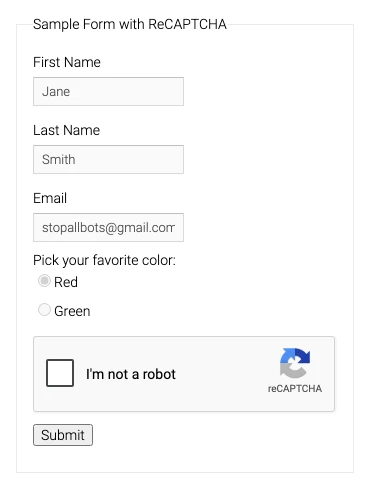
The invisible variant is still v2. There is no box to click: the check runs when the visitor presses a button you bind it to, or when your code calls grecaptcha.execute(). Most visitors pass without seeing anything, and Google shows the image grid only to traffic it is unsure about. Because it looks like v3 from the outside, people often confuse the two, but the server still gets a plain pass or fail and no score.
The image grid is where v2 earns its reputation for friction. If you want to know why the same squares keep coming back, we went through it in why the select-all-images grid repeats.
How reCAPTCHA v3 works
v3 never interrupts anyone. You load the script with your site key, call grecaptcha.execute() with an action name such as login or checkout, and send the resulting token to your server. When your server verifies it, Google returns a score between 0.0 (likely a bot) and 1.0 (likely a person), plus the action the token was created for.
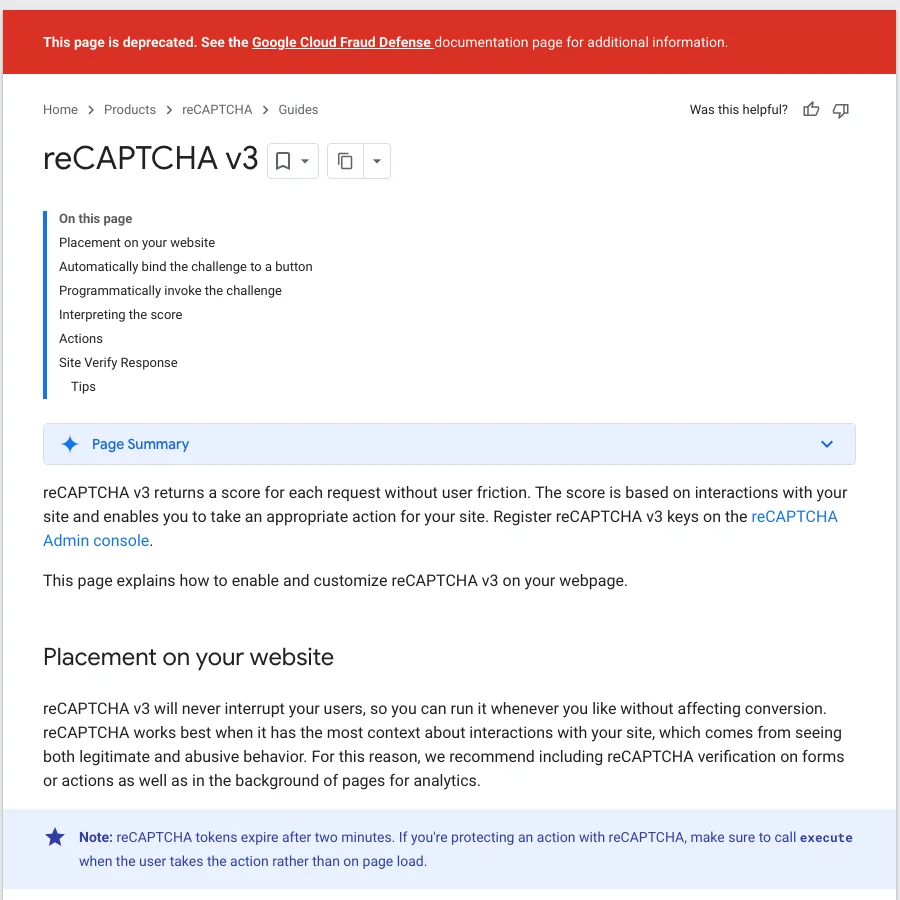
Three details catch people out:
- The score is coarse on free keys. Google's guide to interpreting assessments (updated 26 October 2026) says there are 11 score levels, but without a billing account only 0.1, 0.3, 0.7 and 0.9 are returned. So on a free key any threshold between 0.31 and 0.7 behaves exactly the same: 0.3 fails, 0.7 passes. The often-quoted "use 0.5" default is really a "0.7 or better" rule.
- The action is part of the answer. Your server should reject a token whose action does not match the one the page used, whatever its score.
- Timing matters. Google advises calling
executewhen the visitor actually acts, not on page load, because a token generated early expires before the form is sent.
We cover what moves a score up or down in what each reCAPTCHA v3 score value means.
The differences that matter
The real difference is who owns the decision. With v2, Google decides and you get a verdict. With v3, Google gives you evidence and you decide, which is more flexible but means more work and more ways to get it wrong.
Friction and conversion
v2 Checkbox costs every visitor a click and some of them a puzzle. v2 Invisible costs most visitors nothing. v3 costs nobody anything at the moment of the check, but a low score still has to lead somewhere: a second factor, a moderation queue or a challenge. If that fallback is a hard block, v3 can lose real people silently, with no error message they can act on.
What you have to build
v2 is close to drop-in: render the widget, verify the token, check success and the hostname. v3 needs a threshold per action, a check that the returned action matches, logging so you can tune thresholds, and a decision about what happens below the line. Google's own guidance is to run v3 without blocking anything first and set thresholds from observed traffic.
Accessibility and privacy
Image challenges are hard for some visitors with visual or motor impairments, and v2 offers an audio alternative for that reason. v3 avoids challenges altogether. Both versions load Google's script and send browser signals to Google, so neither is the privacy-friendly choice; if that is your main concern, our Turnstile and reCAPTCHA comparison covers a non-Google option.
Keys are not interchangeable
A site key is created for one type. A v2 key will not return scores and a v3 key will not render a checkbox, so moving between versions means a new key and changes on both the page and the server.
What changed in 2026
Three changes mean many v2-vs-v3 articles are now out of date, and several still quote a free allowance Google no longer offers.
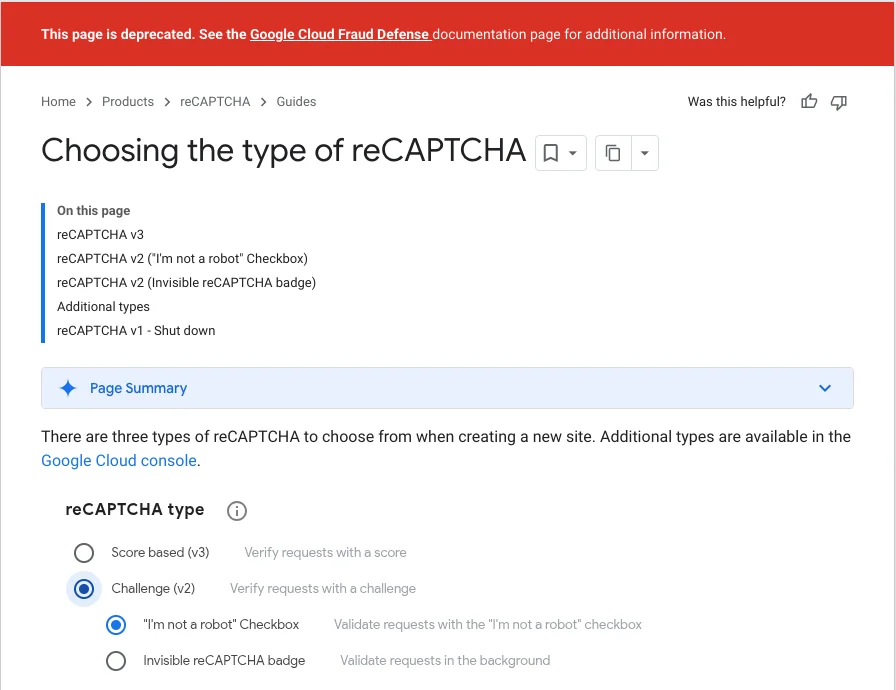
- reCAPTCHA is now part of Google Cloud Fraud Defense. Google's release notes date this to 22 April 2026 and say it does not affect existing reCAPTCHA functionality. The classic developer pages for v2 and v3 now carry a deprecation banner pointing to the Fraud Defense docs, as in the screenshot above.
- Classic keys moved into Google Cloud projects. According to Google's migration overview, new classic keys stopped in Q3 2024, automated migration began in Q4 2025 and finished in Q1 2026, and no code changes are required on your site.
- The free allowance is 10,000 assessments a month. Google's tier comparison, updated 26 October 2026, says the free 10,000 are per organisation, shared across every key and site. Older articles that quote a million free calls a month describe the pre-migration terms.
One consequence deserves attention if you run a busy site on a free key: the migration overview says legacy siteverify calls over quota fail open, returning success with a score of 0.9 plus an error message. In other words, once you pass the allowance, v3 stops protecting you while still looking healthy. Log the full verification response, not just success and score, and alert on quota errors.
Which one should you use?
Use v3 when you need to protect many actions without hurting conversion and you are willing to tune thresholds. Use v2 when you want a clear verdict on a few sensitive forms with minimal code. For most sites, the best answer is both.
- Pick v2 Checkbox for low-traffic, high-value forms (account recovery, contact forms that get spammed) where one click is acceptable and you do not want to maintain thresholds.
- Pick v2 Invisible when you want v2's simple verdict without showing a box to everyone.
- Pick v3 for logins, sign-ups and checkouts where friction costs money, and for scoring background activity you only want to observe.
- Use v3 with a v2 fallback when a low score should lead to a challenge rather than a block. This is the pattern most large sites settle on.
A v3-first, v2-fallback check that actually verifies both
The fallback needs two keys (one v3, one v2) and must verify whichever token comes back. A server-side sketch in Python:
import requests

VERIFY_URL = "https://www.google.com/recaptcha/api/siteverify"
EXPECTED_HOST = "example.com"

def siteverify(secret, token, ip=None):
    data = {"secret": secret, "response": token}
    if ip:
        data["remoteip"] = ip
    return requests.post(VERIFY_URL, data=data, timeout=10).json()

def check_login(form, ip):
    if "v3_token" in form:
        res = siteverify(V3_SECRET, form["v3_token"], ip)
        log_verification(res)  # keep the whole response, quota errors included
        if (res.get("success")
                and res.get("hostname") == EXPECTED_HOST
                and res.get("action") == "login"
                and res.get("score", 0) >= 0.7):
            return "allow"
        return "show_v2_challenge"  # render the v2 checkbox with the v2 site key

    res = siteverify(V2_SECRET, form.get("g-recaptcha-response", ""), ip)
    log_verification(res)
    if res.get("success") and res.get("hostname") == EXPECTED_HOST:
        return "allow"
    return "deny"
The 0.7 threshold matches the four-level free scores described above. If you are testing this locally, Google's test keys always pass; we explain how to use them in testing reCAPTCHA and Turnstile with test keys.
How to tell which version a site uses
Look at how the script is loaded and how it is called. The page source usually gives it away in seconds.
| Signal in the page | Version |
|---|---|
A visible "I'm not a robot" box, or a div with class g-recaptcha and no data-size="invisible" | v2 Checkbox |
data-size="invisible" on the widget, or a button with class g-recaptcha and a data-callback but no data-action | v2 Invisible |
api.js?render= followed by a site key and a grecaptcha.execute(key, {action: ...}) call, or a g-recaptcha button carrying a data-action | v3 |
enterprise.js instead of api.js | reCAPTCHA Enterprise (checkbox, invisible or score-based) |
If you would rather not read minified JavaScript, paste the URL into our free captcha detector, which reports the version, site key and v3 action. Enterprise is its own topic; our Enterprise explainer covers how it relates to v2 and v3.
What changes when you automate a reCAPTCHA v2 or v3 page
For automation you are authorised to run (your own QA, monitoring, or data collection a site permits), the version decides what a valid token needs. A v2 token only has to match the site key and page URL. A v3 token also has to carry the right action and a score above the site's threshold.
- v2: send the site key and URL, receive a token, and place it in
g-recaptcha-response(or pass it to the page's callback for invisible widgets). Our Playwright walkthrough for v2 shows the full flow. - v3: send the exact action string the page passes to
executeand the minimum score the site needs. A token with the wrong action fails the server check even with a high score. - Both: use the token within two minutes, once, from the same session and user agent that will submit it. Most "valid token, still rejected" reports trace back to one of these; see why valid captcha tokens get rejected.
CaptchaNo handles both through one endpoint on our own solving infrastructure. Send type: "recaptcha_v2" (with invisible for invisible widgets) for the reCAPTCHA v2 solver, or type: "recaptcha_v3" with action and minScore for the reCAPTCHA v3 solver. Enterprise checkbox and invisible widgets use recaptcha_enterprise; score-based Enterprise keys are not supported today, and we would rather say so than return tokens that fail. You are billed only for successful solves, failed solves are never charged, and credit does not expire; rates are on the pricing page. If something does not work on your target, support@captchano.com reaches the engineers who run the service.
Frequently Asked Questions
Is reCAPTCHA v3 better than v2?
Neither is better in general. v3 is better for conversion because it never interrupts visitors, but it only gives you a score, so you must choose thresholds and decide what happens to low scores. v2 is easier to run correctly because Google returns a pass or fail. Many sites use v3 everywhere and fall back to a v2 challenge when the score is low.
Can I use reCAPTCHA v2 and v3 on the same page?
Yes, but each needs its own site key, because a key is created for one type. Load v3 with its key for scoring, and render the v2 widget explicitly with the v2 key only when you need a challenge. Your server must then verify each token with the matching secret key, otherwise every fallback verification will fail.
Is invisible reCAPTCHA the same as reCAPTCHA v3?
No. Invisible reCAPTCHA is a form of v2: it runs when a button is pressed or code calls execute, and it can still show an image challenge to suspicious traffic. Your server receives a pass or fail. v3 never shows a challenge and returns a score from 0.0 to 1.0 with an action name, which your own code has to interpret.
Can I switch an existing site key from v2 to v3?
No. The type is fixed when the key is created, so moving from v2 to v3 means creating a new key, loading the script with the render parameter, calling execute with an action, and changing your server to read the score and action. Run the new key in observe-only mode first so you can choose thresholds from real traffic.
Is reCAPTCHA still free in 2026?
Partly. Google's current tiers include 10,000 free assessments per calendar month, counted per organisation across all keys. Above that you need a billing account; without one, Google says classic verification calls over quota fail open, returning success with a high score. Older articles quoting a million free calls a month describe terms from before the move to Google Cloud.
Generate v2 and v3 tokens from one API
Create a free CaptchaNo account to request reCAPTCHA v2 and v3 tokens, with the action and minimum score your target expects, for automation you are authorised to run. You pay only for successful solves, and the SDKs for Python, Node.js, Go and PHP cover both versions.